An AI Assistant for Work That Does Your Formulas
Looking for an AI assistant for work that handles the spreadsheet grind? Describe the problem in plain English and Biscuit fetches the Excel or Sheets formula.

The work an AI assistant should actually do
Most of the working day is small, repetitive requests. Formulas are one of the most repetitive, and one of the easiest to hand off.
Plain English in, formula out
Say what the columns contain and what you want back. No syntax to remember, no forum thread to dig through.
Excel and Sheets, both
VLOOKUP, XLOOKUP, LET, LAMBDA, ARRAYFORMULA, QUERY. Biscuit tells you which platform each one belongs to.
Every argument explained
You get the formula and a short breakdown of each part, so you can fix it yourself next time something changes.
VBA and regex helpers
Classic macro snippets and regex patterns get the same plain-English treatment as ordinary formulas.
Built for the next two minutes
No project to set up and no chat history to scroll. You have a deadline, you ask, you paste, you move on.
Free tier, no sign-up
Five formulas a day with no account and no credit card. Pay only if your workload outgrows that.
Month-end reports without the formula hunt
Finance and ops teams rebuild the same lookups, sums and date calculations every month. Describe the layout once, get the formula, and reuse it. When the sheet changes shape, ask again and Biscuit adjusts it for the new layout. The time you save goes to the analysis, not the syntax.
- Cross-reference two exports with a lookup
- Sum by month, region or owner
- Clean up messy text and dates
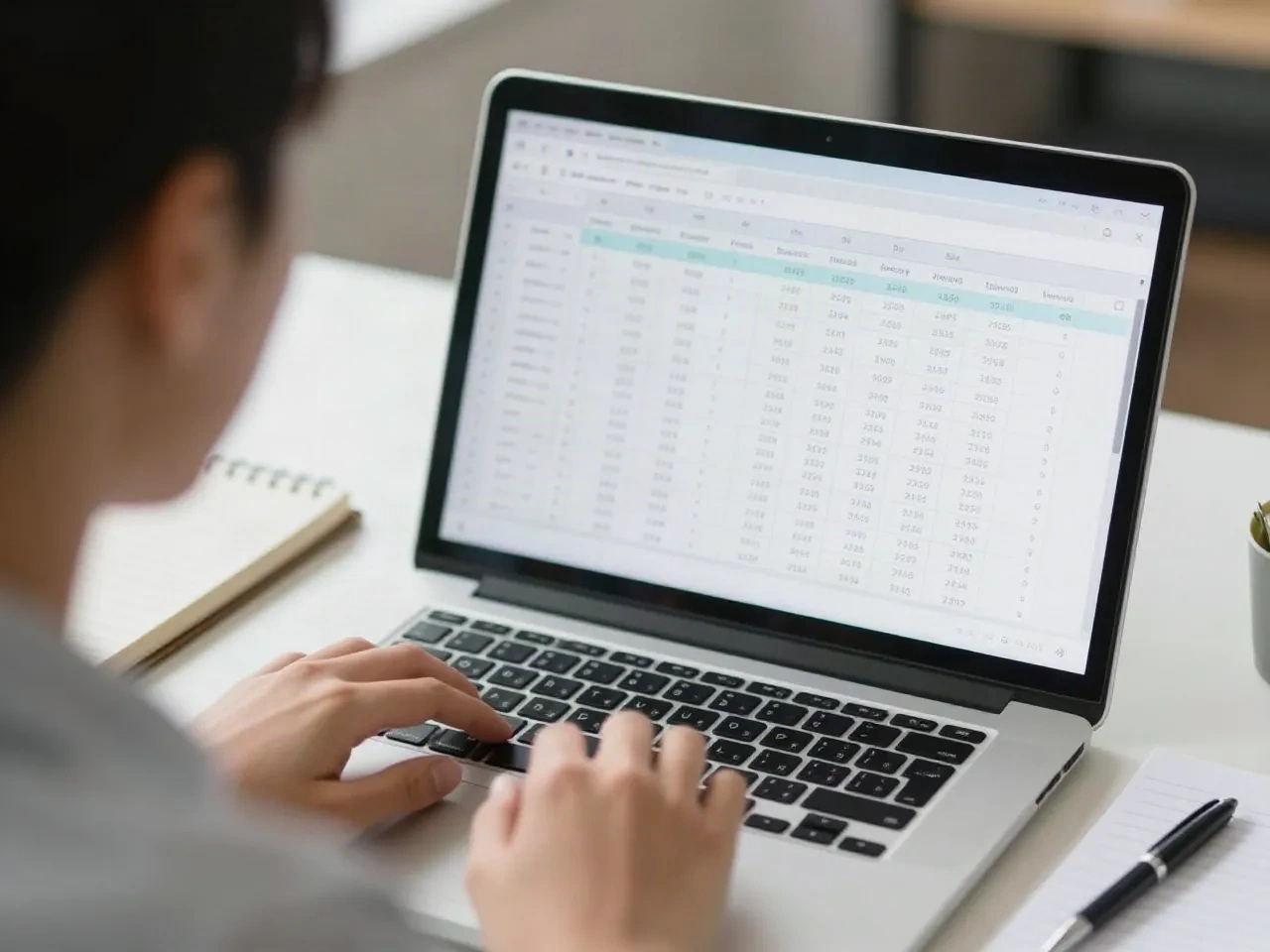
One shared sheet, fewer interruptions
In most teams, one person is the spreadsheet person, and everyone else interrupts them. An assistant that writes the formula and explains it means colleagues can unblock themselves. The spreadsheet person gets their afternoon back, and the shared file stays readable because every formula comes with its logic spelled out.
- Unblock teammates without a meeting
- Document what each formula does
- Handle Sheets-only and Excel-only differences

How Biscuit fetches a formula
Three steps, and none of them involve reading documentation.
-
1
Describe the problem
Tell Biscuit what the columns are and what you want to match, sum or extract. Plain English is enough.
-
2
Get the formula back
You receive a working Excel or Sheets formula, or a VBA or regex snippet, with each argument explained underneath.
-
3
Paste it and check
Copy it into your cell and compare the result with a row you can verify by hand. If it is off, say what is wrong and ask again.
Formula.dog vs general AI assistants
General assistants do far more. Here is what differs for the formula part of your job.
| Criteria | Formula.dog | ChatGPT | Microsoft Copilot |
|---|---|---|---|
| Built only for spreadsheet formulas | Yes | No, general assistant | No, general assistant inside Microsoft apps |
| Says if it works in Excel, Sheets or both | Every time | Depends on the prompt | Focused on Microsoft apps |
| Explains each argument | Always | Sometimes | Sometimes |
| Free use without an account | Yes, 5 a day | Limited free access | Depends on your plan |
| Writing, summaries, brainstorming | No | Yes | Yes |
| Best for | One formula, fast | Wide range of tasks | Work inside Microsoft apps |
Pay for formulas, not for the calendar
No subscription trap. Start free and only pay if you need more.
Free
for occasional formula lookups
- 5 formulas per day
- No account required
- Excel and Sheets covered
- Basic regex helpers
Pack of 100
for a busy reporting season
- 100 formulas, never expires
- Excel, Sheets, VBA and regex
- No recurring charge
Unlimited
for daily spreadsheet work
- Unlimited formulas
- Formula history and bookmarks
- Excel, Sheets, VBA and regex
- Cancel anytime
Common questions
What is an AI assistant for work?
Can an AI assistant for work really handle spreadsheet tasks?
Is Formula.dog a replacement for ChatGPT or Copilot?
Do I need an account to try it?
How much does it cost?
Which spreadsheet tools does it support?
What does it not do?
Is my spreadsheet data uploaded?
Hand off the formula, keep the afternoon
Describe the spreadsheet problem once. Get the formula, explained, in seconds.