Note-Taking Apps for Students: Which Ones Actually Work
Summary
Note-taking apps for students break down into three tiers: free picks covering most needs (Notion, OneNote, Apple Notes), paid apps worth it on an iPad (GoodNotes, Notability), and AI-powered tools that actually automate something useful. For 90% of students, Notion with a .edu email is the obvious starting point. Skip Roam Research and Evernote in 2026 unless you have a very specific reason not to.

Searching for note taking apps for students that actually survive past orientation week? The short answer is three tools, not eight: Notion with a .edu email, OneNote for Windows, or GoodNotes if you have an iPad with a stylus. Most students need one of those, not every app in a recommended list.
Which one fits depends on your device, your major, and how much time you're willing to invest in setting up a system. Here's what actually works past week four, and what you'll likely uninstall before midterms.
Why you end up with 4 note apps and use none of them properly
Most students install apps in batches during orientation week, when someone in a Discord server shares a list titled "apps every student needs." By October, three of those apps still have the default "Untitled Note" created to test the UI.
The fragmentation problem is real. One app for class notes, one for to-do lists, one for project files, and a shared Google Doc that nobody can find three months later. The fix is not finding the perfect app - it's picking one and sticking with it long enough to actually build a system.
A 2026 survey of over 6,500 students found that just four apps captured more than 75% of actual usage: Evernote, Notion, Roam Research, and Obsidian. Not because those four are objectively better than everything else, but because students who committed to one long enough to learn it stopped looking for something better.
The first two weeks with any app feel rough. That's normal. The switching cost is the problem, not the app.
The apps that actually survive a full semester
Notion is the default right now for most students. A .edu email gets you the Plus plan free - unlimited blocks, file uploads, and full page history. The template ecosystem is enormous: study schedules, syllabus trackers, reading logs, weekly reviews. Downside: the offline mode is limited, and a complex Notion workspace built in week one often collapses under its own structure by week six. Keep it simple at the start.
OneNote wins if your campus runs Microsoft 365. It's free, syncs across everything, handles typed and handwritten notes, and lets you drop images or PDFs directly into a page without a separate step. The interface is more forgiving for people who want to just start typing without thinking about structure. If you're on Windows, this is the zero-friction option.
GoodNotes is the right call if you're on an iPad with an Apple Pencil. STEM students rely on it for equations, diagrams, and annotating PDFs directly. At $9.99 per year, it's one of the better-priced specialized tools. The handwriting recognition is solid and search actually works on handwritten content.
Notability is the pick for lecture-heavy programs. It records audio while you write - tap any note later and jump to that exact moment in the recording. At $14.99 per year, it's the one tool that meaningfully changes how you capture lectures. Worth it for programs where professors talk faster than you can type.
Obsidian is for the student who already knows what a markdown file is. It's free for personal use, stores everything locally, and links notes like a wiki - useful if you're building connected knowledge rather than isolated notes per class. Steep learning curve. Pays off over years, not semesters.
If you're looking for an AI workspace that handles documents, notes, and design assets in one place without juggling five tabs:
Handwriting vs typing: what the research actually says
The "handwriting is better for learning" argument is everywhere in productivity circles. It's also more nuanced than it sounds.
A 2024 meta-analysis combining 24 studies found higher course outcomes for students who took and reviewed handwritten notes. The mechanism makes intuitive sense: when you can't type fast enough to catch every word, your brain summarizes and re-encodes information as you write. That extra processing step helps retention.
The catch: some of those studies measured performance on isolated lab tasks, not full-semester course grades. Typing is faster, more searchable, and more practical for most real classroom situations - especially when the professor goes off-script or uses slides faster than you can sketch.
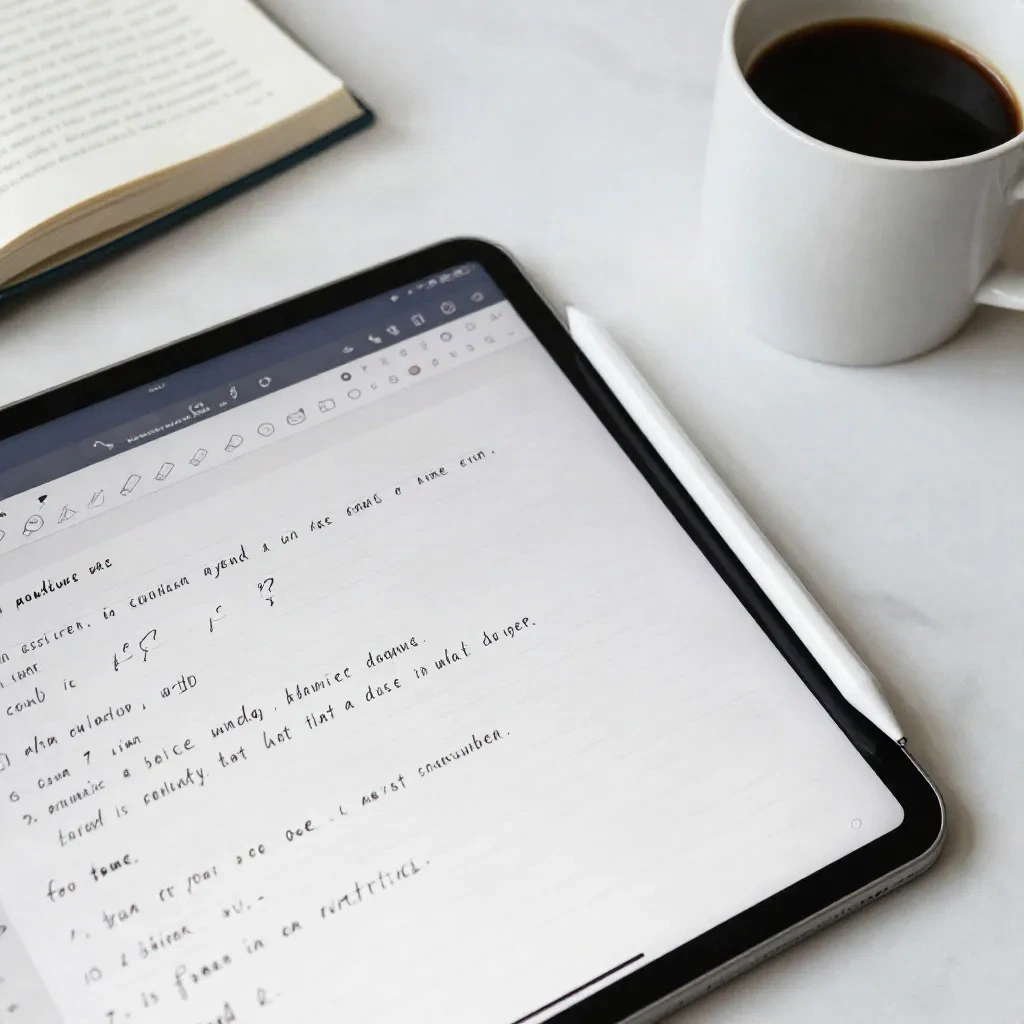
The approach that actually works for most students: write on a tablet with a stylus. You get the cognitive benefit of handwriting without losing search, sync, or backup. GoodNotes and Notability both handle this well. Your notes are searchable, shareable, and don't disappear if you spill coffee on a notebook.
Skip this setup entirely if you don't already own an iPad. The learning benefit does not justify buying new hardware just for note-taking.
If you're already living in Google Sheets, where do notes fit in?
If you're the kind of student who keeps everything in a spreadsheet - assignments tracked, readings logged, grades monitored - you're already thinking about data more systematically than most. But Sheets is not a great place for prose notes.
The problem is that cells are not paragraphs. You can store lecture notes in a cell, but you lose formatting, hierarchy, and any ability to scan quickly. Using Sheets for unstructured text is like using VLOOKUP to write an essay. Technically possible. Not what the tool is for.
What works: use Sheets for the structured stuff (assignment deadlines, exam dates, grade calculations, semester budget) and pair it with one note app for everything else (class notes, ideas, readings, drafts). The two tools cover different jobs.
For spreadsheet-minded students, the cleanest pairing is OneNote or Notion for notes alongside Sheets for tracking. Notion's database views can also replace some of what you'd do in Sheets if you want fewer tools open at once.
AI note-taking features: which ones are real, which are just marketing
Every note app has added an "AI" feature in the last 18 months. Most of them are autocomplete with a different name. A few are genuinely useful.
Notability's audio-to-note sync is the most useful: it connects your recording to your written notes at the timestamp level. Tap any word in your notes, hear what the professor said at that exact moment. Not flashy, just a feature that changes your workflow.
Apple Intelligence summaries (Apple Notes, iOS 18+) can summarize long notes or suggest continuations. Useful for drafting. Less useful for technical content where accuracy matters more than fluency.
Atlas is the outlier that deserves its own mention. It lets you upload course readings and then answers questions by pointing to the exact passage in the source. For humanities, pre-law, or social science students working with dense academic texts, this is genuinely different from asking a generic LLM.
For students who attend seminars, study groups, or lectures where audio capture matters:
For language students who want note-taking to also support listening comprehension and active recall:

Apps most students quit before midterms (and why)
Evernote used to be the default recommendation for students. Pricing changes in 2023-2024 pushed most people off the free plan, which now limits you to one device. The paid version at $14.99 per month is hard to justify when Notion is free with a student email. Skip it unless you're an existing power user with years of notes already inside.
Roam Research has a devoted following but a steep entry cost - both the $15 per month price and the time investment required to learn its linked-thinking approach. It's built for people building a long-term knowledge system, not for students who need to capture and review lecture content on a weekly cycle.
Bear is a genuinely clean, well-designed app. It's also Apple-only. If you're on Windows or Android, it's simply not an option. Even on Apple devices, the sync requires a $14.99 per year subscription, at which point Notion or Obsidian are harder to argue against.
The pattern: apps students quit are either too expensive for a student budget, require too much setup time during the semester, or are locked to a platform you don't fully live in.

How to pick your setup without installing everything first
Start with the free version of whatever fits your actual situation:
Apple device, no stylus: start with Apple Notes. It's already on your device. Add Notion once you need more structure.
Windows campus or Microsoft 365: OneNote. Zero-friction setup. Use it for a full month before looking at anything else.
iPad with Apple Pencil: trial GoodNotes for one week, then Notability for one week. Pick one. Do not install both.
Cross-platform or Linux: Obsidian - free, local, no subscription required for basic use.
Research-heavy major with long reading lists: try Atlas once you have actual course materials to test against.
The rule that saves time: one month with one app. If you're still redesigning your note system in week three, the problem is probably not the app. It's the fact that no system survives contact with a full course load unless you keep it simple.
Biscuit has already fetched the right formula for your spreadsheets. Picking your note app deserves the same no-nonsense approach.