Best AI Note Taking App in 2026, 6 Tools Ranked and Tested
Summary
Picking the best AI note taking app depends on what happens after the meeting ends. We compared TicNote, Fathom, Granola, Fireflies, Otter, and tl;dv on price, bot-free capture, languages, and how usable the output actually is once you need to turn it into a report, a tracker, or a spreadsheet row.
Six AI note takers tested for people who leave meetings needing numbers and action items in a tracker, not just a paragraph to reread.
At-a-glance
| TicNote | Fathom | Granola | Fireflies AI | Otter.ai | tl;dv | |
|---|---|---|---|---|---|---|
| Starting price | $15-$29/mo paid plans, free tier available | Free plan unlimited for individuals, Premium $16-$20/mo | Free (Basic), Business $14/user/mo | Free tier, Pro $10-$18/mo, Business $19-$29/mo per seat | Free tier, Pro $8.33-$16.99/mo per user | Free unlimited for 1 user, Pro around $18/mo per user |
| What the free plan includes | 300 transcription minutes per month | Unlimited recordings, transcripts, and summaries, no seat limit or history expiry | Unlimited notes, meeting history capped at 30 days | 800 minutes of storage per month, limited AI summary credits | 300 minutes per month, each meeting capped at 30 minutes | Unlimited recordings and transcription, 1 user, 30+ languages |
| Joins without a visible bot | Yes, a Chrome extension captures the call, no bot invited | Bot-free capture in beta on Mac, otherwise joins as a bot | Yes, records your computer audio directly, no bot ever joins | No, joins Zoom, Meet, and Teams as a visible bot | No, joins as a bot for live transcription | No, joins as a bot to record and transcribe |
| What you get afterward | Shadow Agent builds real files: dashboards, slide decks, HTML reports | Call summary, searchable transcript, action items, natural-language search across history | Your own shorthand merged with the transcript into a personal-voice summary | AI summary plus talk-time, sentiment, and topic tracking | Transcript, speaker-tagged summary, and AI Chat over the meeting | Meeting highlights, multi-meeting AI search, sales-coaching insights |
| Where the data can go | Meetings, PDFs, and YouTube in one project workspace, exports to HTML and slides | Slack, Salesforce, HubSpot, Notion, Asana on paid plans | Notion, Slack, HubSpot, Attio, API, plus an MCP connector for Claude and ChatGPT | Salesforce and HubSpot CRM sync, Zapier, Slack | Zoom, Meet, and Teams live captions, fewer native CRM integrations | CRM sync and coaching playbooks on the Business tier |
| Languages transcribed | 120 languages | Multi-language capture, exact count not published | Works in the language you speak, no published language count | 60+ languages | Primarily English, live captions in major languages | 30+ languages |
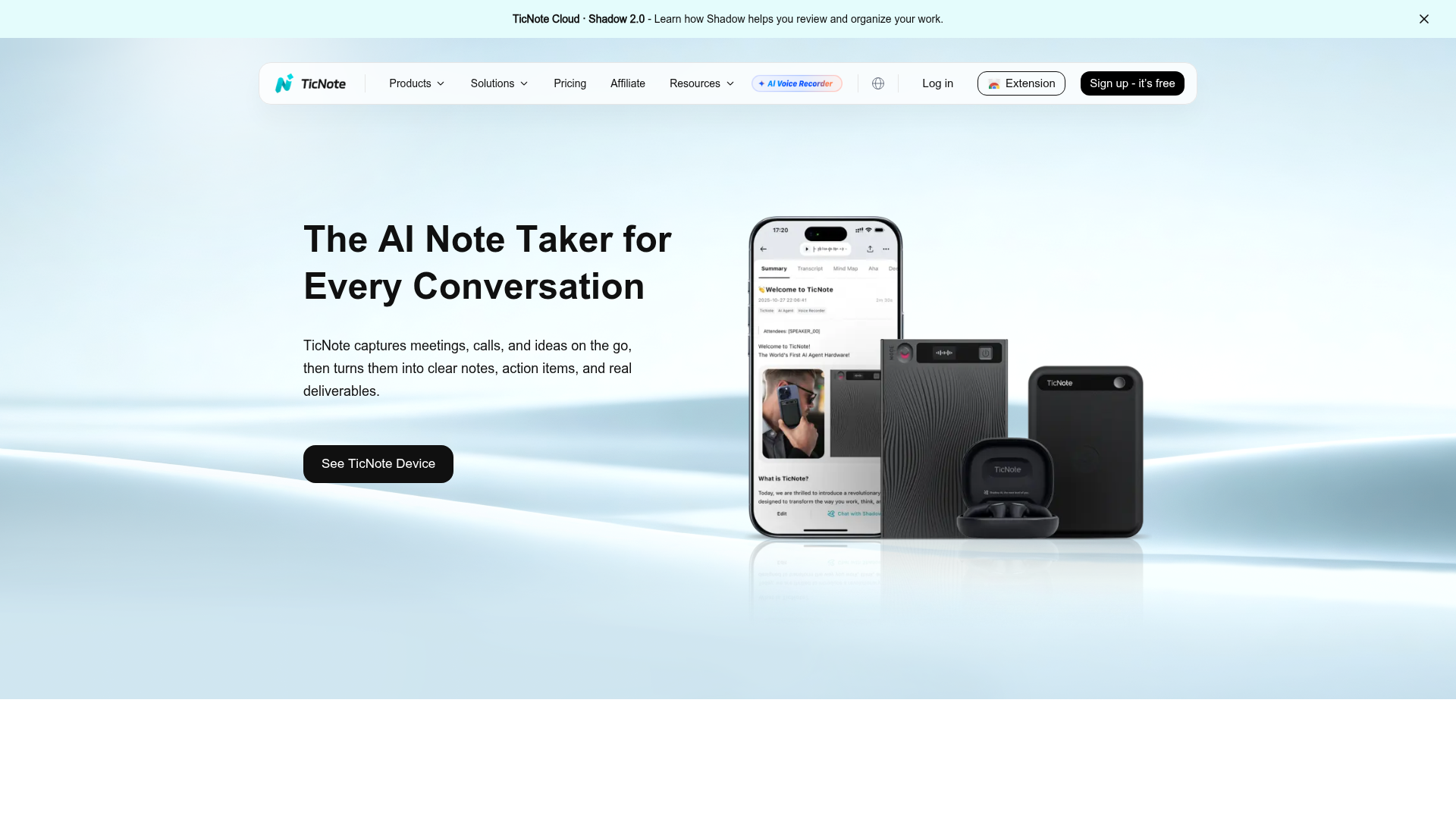
TicNote
- Shadow Agent exports real files, dashboards, slide decks, HTML reports, instead of another paragraph to skim
- Every AI claim links back to the exact moment in the source recording, easy to double-check a number before it goes in your model
- No bot joins the call, a Chrome extension captures Meet, Teams, and Zoom discreetly
- One workspace holds meetings, PDFs, and YouTube videos as sources for the same project
- Free tier caps you at 300 transcription minutes a month, tight for back-to-back meeting days
- Shadow Agent needs a project set up first, it will not fire from the default recordings folder
- Vague prompts produce vague deliverables, you need to ask for the specific file you want
The pick when the meeting has to end in a real file, not just a memory of it.
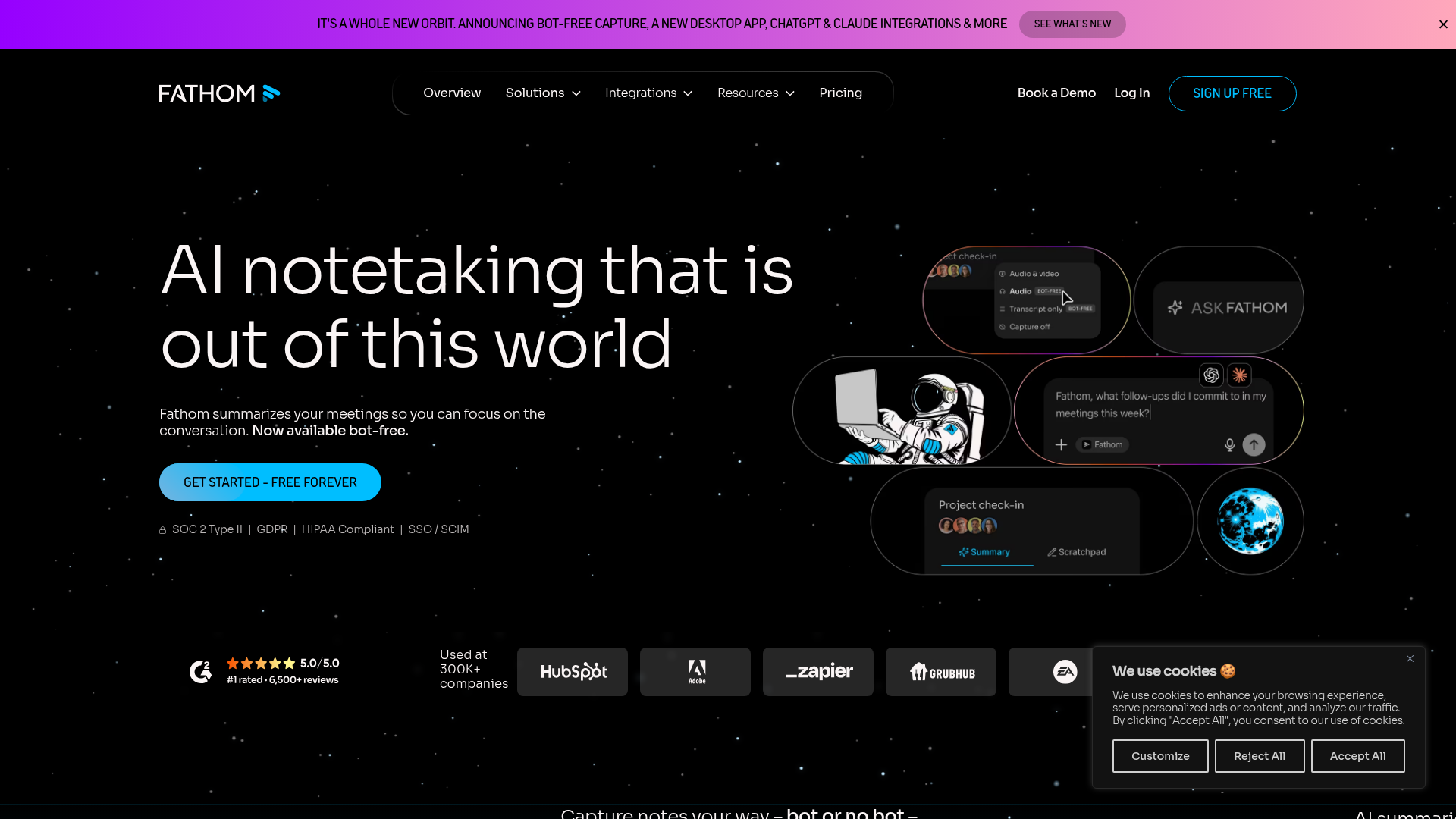
Fathom
- Free plan has no meeting cap, seat limit, or history expiry, unusual in this category
- Ask Fathom searches your entire meeting history in plain language, not just one call
- Bot-free capture is in beta on Mac, so calls stay less crowded
- Bot-free capture is Mac-only and still in beta, most calls still show a visible participant
- CRM sync and AI Scorecards are locked behind the Business tier at $25-$34 per user
Hard to beat if the budget is zero and clean transcripts on demand are the main need.
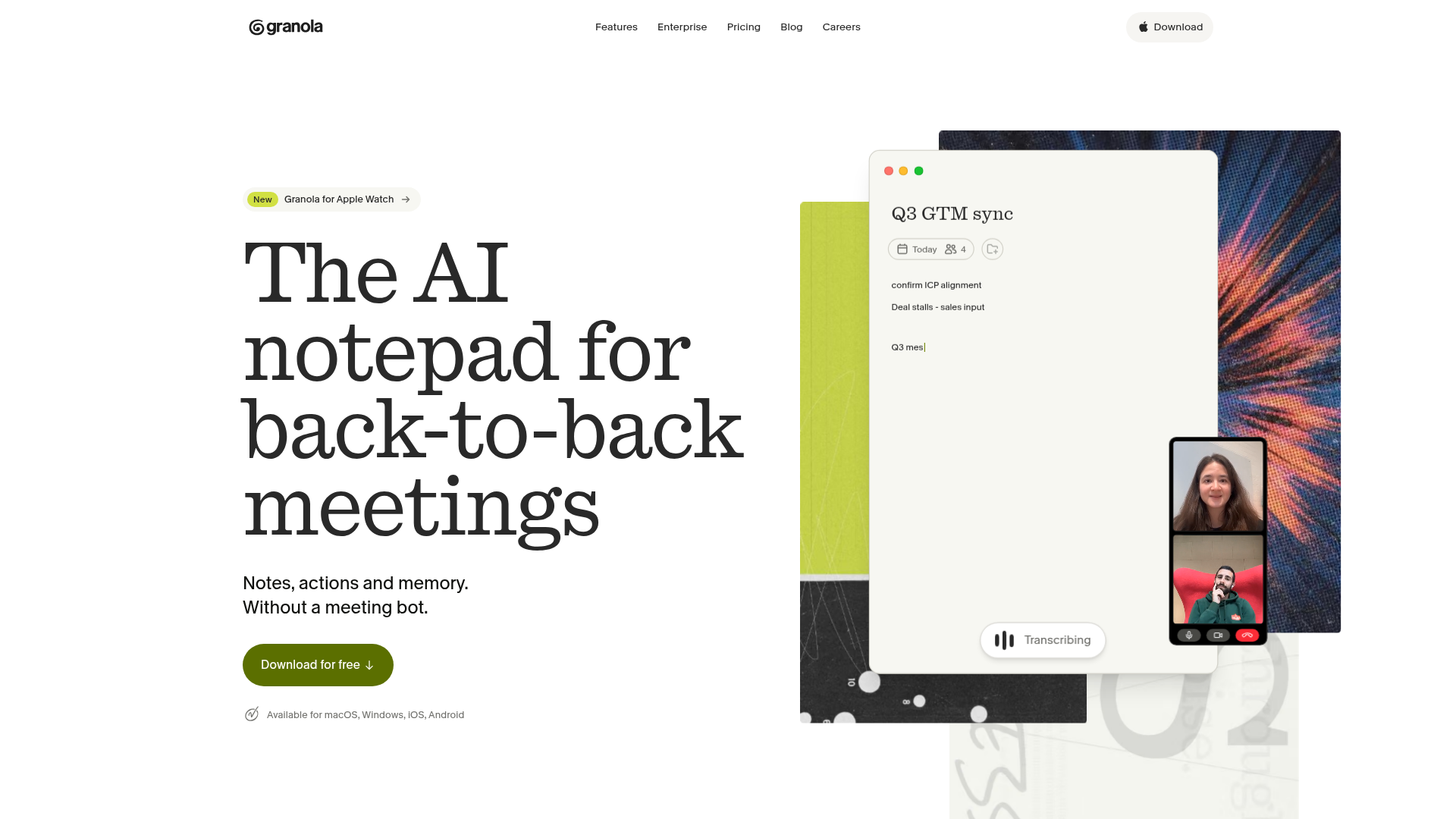
Granola
- No bot ever joins Zoom, Meet, or Teams, which reads as more private in sensitive calls
- Merges your own shorthand with the transcript, so the summary sounds like you wrote it
- MCP connector pushes meeting context straight into Claude, Cursor, or ChatGPT
- Free plan caps meeting history at 30 days, older notes disappear for good
- No call recording or video playback, only the merged text summary
Best when the summary needs to read like a person wrote it, not a transcription engine.
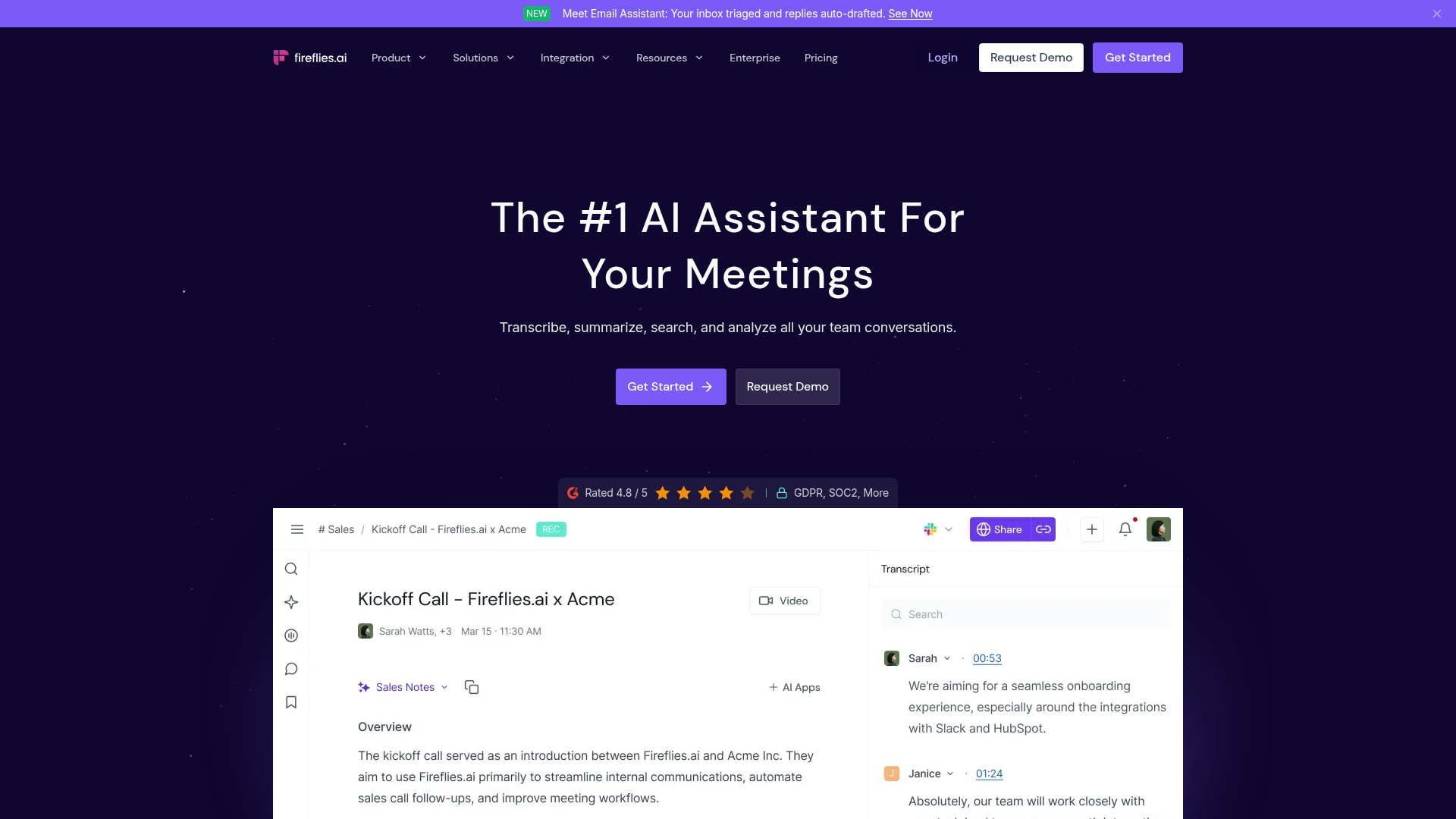
Fireflies AI
- Joins Zoom, Meet, and Teams automatically and transcribes in 60+ languages
- Tracks talk-time ratio, sentiment, and topic trends across a whole call history
- Deep CRM sync with Salesforce and HubSpot plus Zapier and Slack automations
- AI summary credits on paid tiers cap how many meetings get a full AI writeup each month
- The dashboard and search feel dated next to newer, AI-native competitors
Strong pick when meeting data needs to feed a sales dashboard, not a personal note archive.
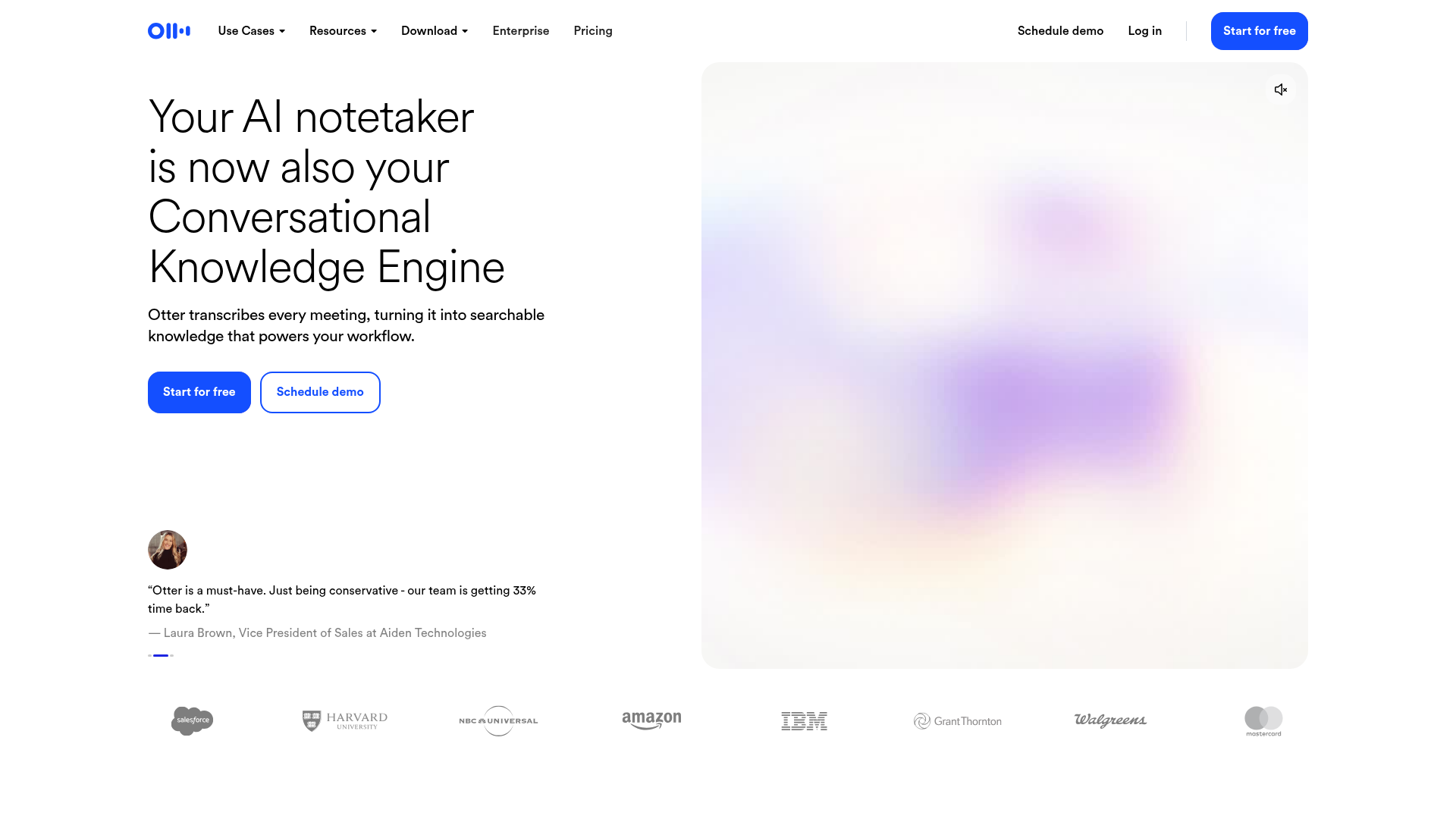
Otter.ai
- Live transcription and captioning appear inside Zoom, Meet, and Teams as the call happens
- Speaker identification syncs with word-highlighting on playback, easy to jump to who said what
- Mature mobile apps with widgets and Siri shortcuts, the most polished mobile experience here
- Free tier caps individual meetings at 30 minutes each, a real limit for longer syncs
- AI Chat queries are capped even on paid Business seats, 200 per user per month
The safe, mature choice when live captions matter more than fancy AI deliverables.
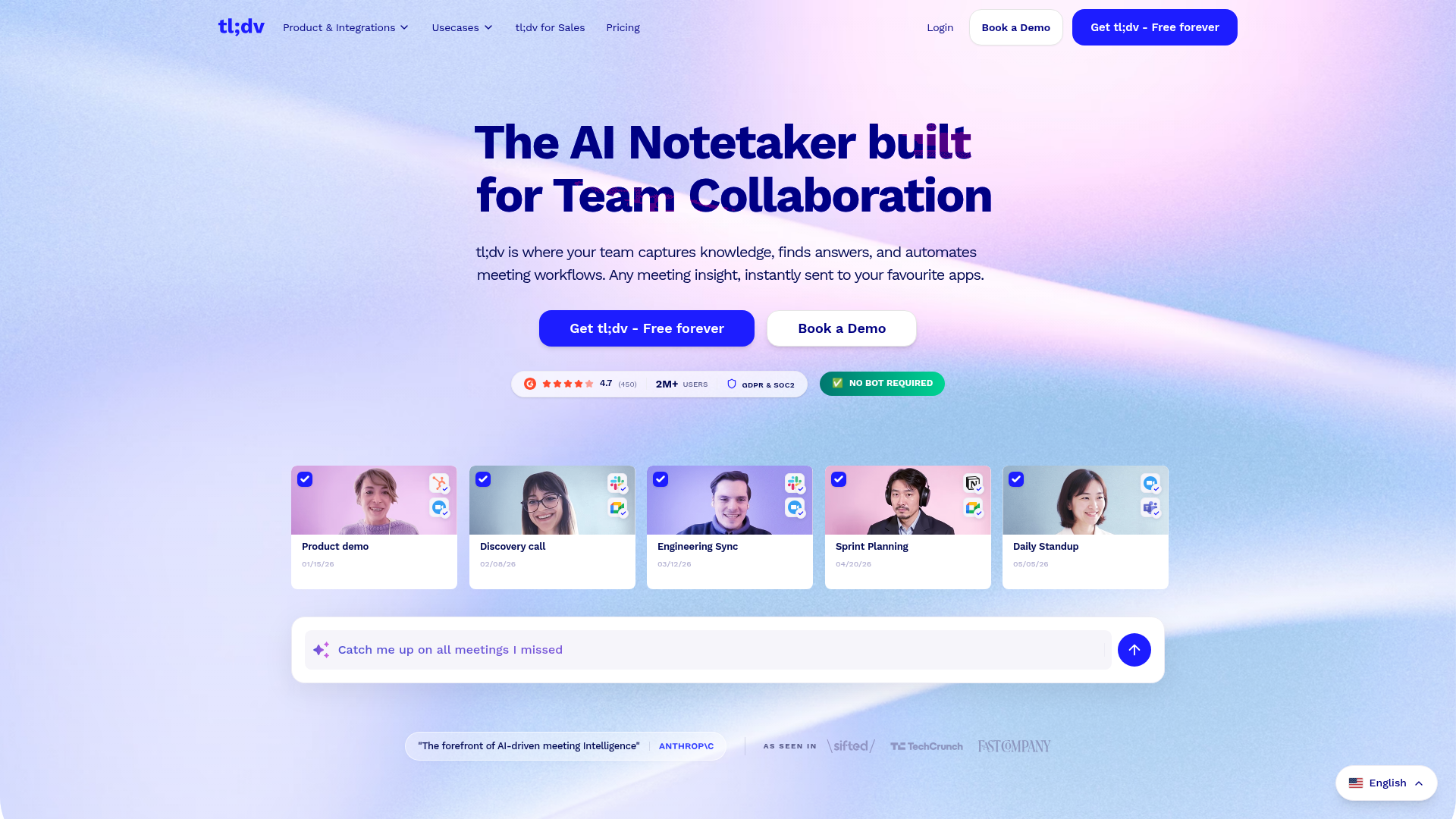
tl;dv
- Records and transcribes unlimited meetings for free, including Zoom, Meet, and Teams
- Multi-meeting AI search covers the whole call history, not one recording at a time
- Talk-time and objection tracking rival pricier sales-coaching tools
- Free plan skips the AI meeting-report and highlight-reel features that make it sticky
- Business tier pricing jumps sharply compared to Pro, around $59 per user per month
Worth it specifically for sales coaching on a budget, less compelling for general note-taking.
Verdict
TicNote takes the top spot for spreadsheet-heavy knowledge workers because it is the only tool here that produces a real deliverable, a dashboard, a report, a slide deck, straight from your meeting sources, not just another summary to reformat by hand. If the budget is zero and a clean, unlimited transcript is the whole job, Fathom is the better first install. Granola fits people who already type rough notes during calls. Fireflies and tl;dv earn their place specifically for sales teams that need coaching data, and Otter remains the dependable choice for live captions on mobile.
How we tested
We compared these six tools using their own pricing pages, product documentation, and G2 or Capterra review pages, checked in September 2026, then weighed them specifically for spreadsheet-heavy knowledge workers: financial analysts, ops managers, and controllers who leave a meeting needing numbers and action items in a tracker, not a paragraph to reread. For each tool we checked five things: what the free plan actually includes, whether it needs to join the call as a visible bot, how many languages it transcribes, what it integrates with, and what you get out the other end, a plain transcript or something closer to a file you can reuse. Ratings reflect that specific lens, not general popularity.
TicNote wins this one for a specific reason: it is the only tool here that turns a meeting into a real file, not another paragraph to skim. If you just want a free, unlimited transcript with no strings attached, Fathom is the better call. Here is the best ai note taking app for six different situations.
You take notes in every meeting, but where does the data actually go?
If your job involves Excel or Sheets, a meeting rarely ends with "great chat." It ends with three numbers someone needs updated in a tracker, two action items that belong in a project sheet, and one decision that has to make it into next week's report. A plain transcript does not solve that problem. It just moves the retyping to later tonight.
That is the lens we used here. Not "which app writes the nicest summary," but "which app gets the meeting's content into a shape you can actually reuse."
How we compared these six AI note takers
We checked each tool's own pricing page, product docs, and G2 or Capterra reviews (verified September 2026), then scored them on five things that matter specifically to spreadsheet-heavy work: what the free plan really includes, whether the app has to join your call as a visible bot, how many languages it transcribes, what it connects to, and what you get out the other end, a plain transcript or something closer to a file you can drop into a report.
The six tools, ranked
1. TicNote sits at the top because of one feature: Shadow Agent. Instead of handing you another summary, it builds an actual file from your sources, a dashboard, a slide deck, an HTML report, sometimes a mind map, and every claim in it links back to the exact moment in the recording it came from. For someone who has to turn Tuesday's planning call into Wednesday's slide for the partners, that is the difference between 20 minutes of formatting and zero.
2. Fathom takes the free-plan crown outright. No meeting cap, no seat limit, no expiry date on your history. If your monthly note-taking budget is genuinely $0, this is the one to install today. Ask Fathom can also search your whole call history in plain language, which is more useful than it sounds once you have 40 recorded meetings.
3. Granola does something the others do not: it merges your own typed shorthand with the transcript, so the resulting summary reads like you wrote it, not like a transcription engine did. No bot ever joins your Zoom, Meet, or Teams call either, which matters in calls where an extra silent participant makes people nervous.
4. Fireflies is built for sales and RevOps, not spreadsheet workflows specifically, but its talk-time and sentiment tracking across a full call history is genuinely strong, and the CRM sync (Salesforce, HubSpot) means the data lands where a sales-ops person already lives.
5. Otter.ai is the mature, dependable choice if what you actually want is a live transcript while the call is happening, not an AI deliverable afterward. Speaker-tagged playback and a genuinely good mobile app make it the safest pick for teams that just want captions that work.
6. tl;dv earns its spot for one narrow reason: Gong-style coaching (talk-time, objection tracking) at a fraction of the price. If your team needs sales coaching insights and cannot justify an enterprise tool, this is where to look first, general note-taking is not really its focus.
Free plan versus paid, what actually changes
Every tool here has a usable free tier, which is unusual for this category and worth taking advantage of before paying anything. The gap between free and paid is rarely "more minutes," it is almost always "more places the data can go": CRM sync, longer history, team analytics, or in TicNote's case, the Shadow Agent deliverables themselves. Test the free plan on a real week of meetings before upgrading anything.
When none of these six make sense
If your meetings need SOC 2-level compliance sign-off, dedicated legal e-discovery holds, or an on-prem deployment your security team controls end to end, none of these six are built for that scope, look at an enterprise conversation-intelligence platform instead and expect a very different price tag. For everyday planning calls, syncs, and reviews, any of these six will cover the job.
The bottom line
Pick TicNote if the meeting has to end in a real file. Pick Fathom if you want a completely free transcript with no catch. Pick Granola if you already take rough notes and want them cleaned up in your own voice. Pick Fireflies or tl;dv if the meetings you are recording are sales calls. Pick Otter if live captions during the call matter more than what happens after it.