Best AI Meeting Assistant for Spreadsheet Users (2026)
Summary
The best AI meeting assistant for spreadsheet work is Fireflies, because a Zapier template turns each meeting into a Google Sheets row. Fathom is the free option with no minute cap, TicNote builds finished reports and decks, Granola and Krisp skip the bot, and Otter makes you copy action items manually. We compared six tools on price, capture style and how easily notes reach Excel or Sheets.
We compared six AI meeting assistants on one question spreadsheet people care about: how easily notes and action items reach Excel or Google Sheets.
At-a-glance
| Fireflies AI | Fathom | TicNote | Granola | Krisp | Otter.ai | |
|---|---|---|---|---|---|---|
| Free plan | 800 min/mo storage, limited AI summary credits | Unlimited recordings, transcripts and AI summaries for individuals | 300 transcription min/mo | Free Basic plan, meeting history capped (30 days) | Free plan lists 60 min/day of noise cancellation | 300 transcription min/mo, 30 min cap per meeting |
| Paid plans (as listed) | Pro $10-18/mo, Business $19-29/seat | Premium $16-20/mo, Team $15-19/user | Roughly $13 to $29/mo depending on plan | Business $14/user/mo | Pro $8/mo annual or $16/mo monthly | Pro $8.33-16.99/mo, Business $19.99-30/user |
| How it captures the call | Bot joins Zoom, Meet and Teams | Bot, or bot-free capture (beta on Mac) | Chrome extension, no bot invited, plus hardware recorders | Bot-free, records computer audio on desktop | Bot-free note taker plus noise cancellation | Joins Zoom, Meet and Teams with live transcription |
| Files you can export | Transcripts and summaries, plus Zapier and CRM hooks | Summaries and action items, synced to Slack, CRM, Notion, Asana (paid) | TXT, DOCX, PDF, Markdown, HTML, Notion, Obsidian, Xmind | Notes synced to Notion, Slack, HubSpot, Attio (Business), API | Notes and action items sent through native integrations or Zapier | TXT on Basic; DOCX, PDF, SRT on paid plans |
| Route into Excel or Google Sheets | Zapier template adds a Sheets row per new meeting | Zapier, with a ready template for action items into Google Docs | No CSV or Excel export listed; copy tables out of reports | Zapier connects Granola to Google Sheets | Zapier connects Krisp to Google Sheets, action items to Zapier Tables | Action items cannot be exported directly; copy by hand |
| Customer rating signal | G2 4.8/5 (shown on its homepage) | G2 5.0/5 from 6,500+ reviews (shown on its homepage) | No aggregated G2 score we could verify | No aggregated G2 score we could verify | G2 4.7/5 (cited by Krisp itself) | G2 4.4/5 (cited by third-party roundups) |
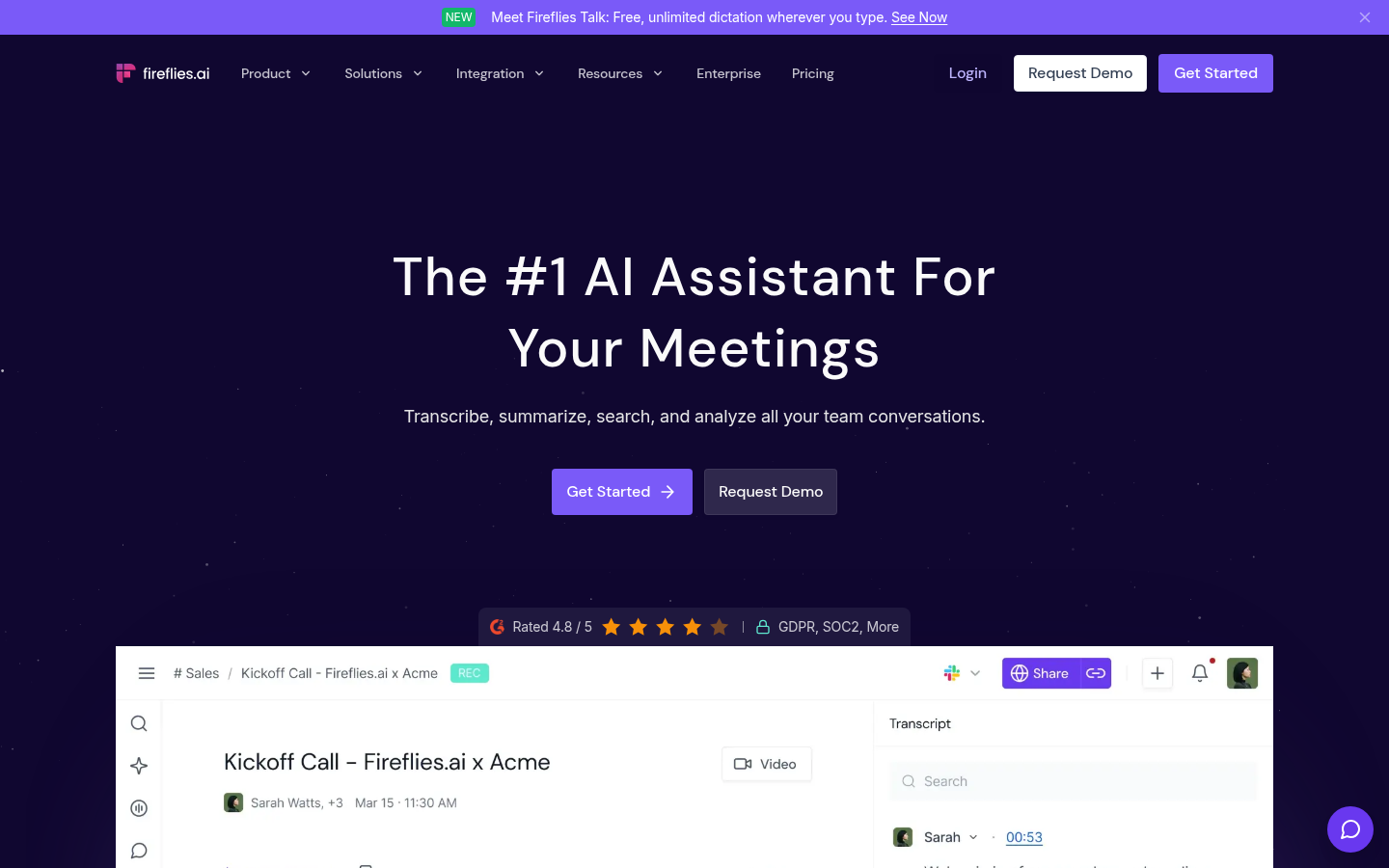
Fireflies AI
- Zapier template creates a Sheets row for each new meeting
- Transcribes in 60+ languages
- Deep CRM, Slack and Zapier automations
- G2 rating of 4.8/5 on its homepage
- AI credits on paid tiers cap how many summaries you can generate
- A visible bot joins the call, which can feel heavy in small meetings
- Dashboard feels dated next to newer tools
The cleanest road from a meeting to a spreadsheet row.
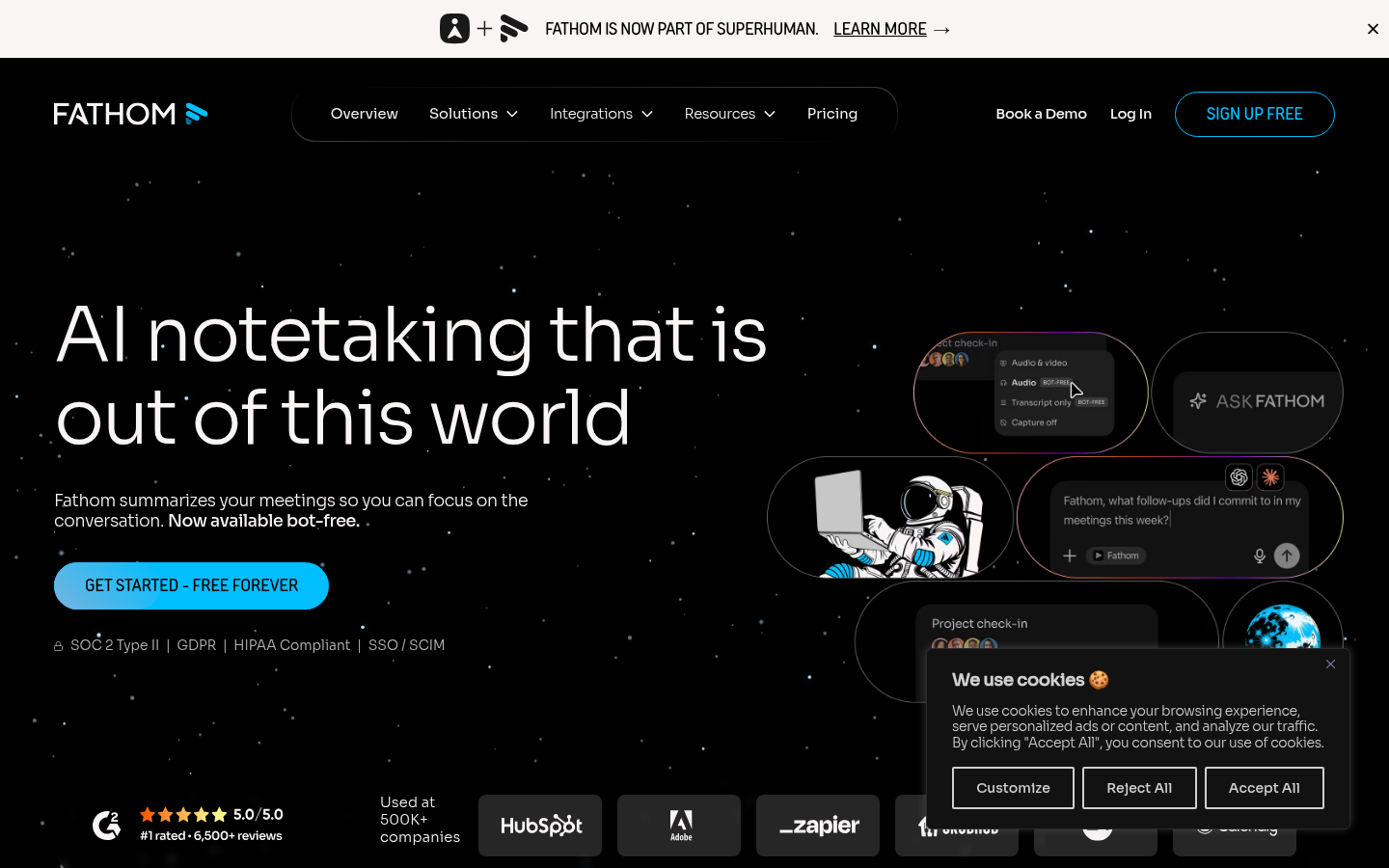
Fathom
- Free plan has no meeting cap or history expiry
- Bot-free capture option in beta
- G2 rating of 5.0/5 from 6,500+ reviews
- Zapier template for new action items
- CRM sync and scorecards are Business tier only
- No Sheets template that we could verify, you build the Zap
- Team-wide search needs a paid seat
Start here if you want zero cost and no minute counter.
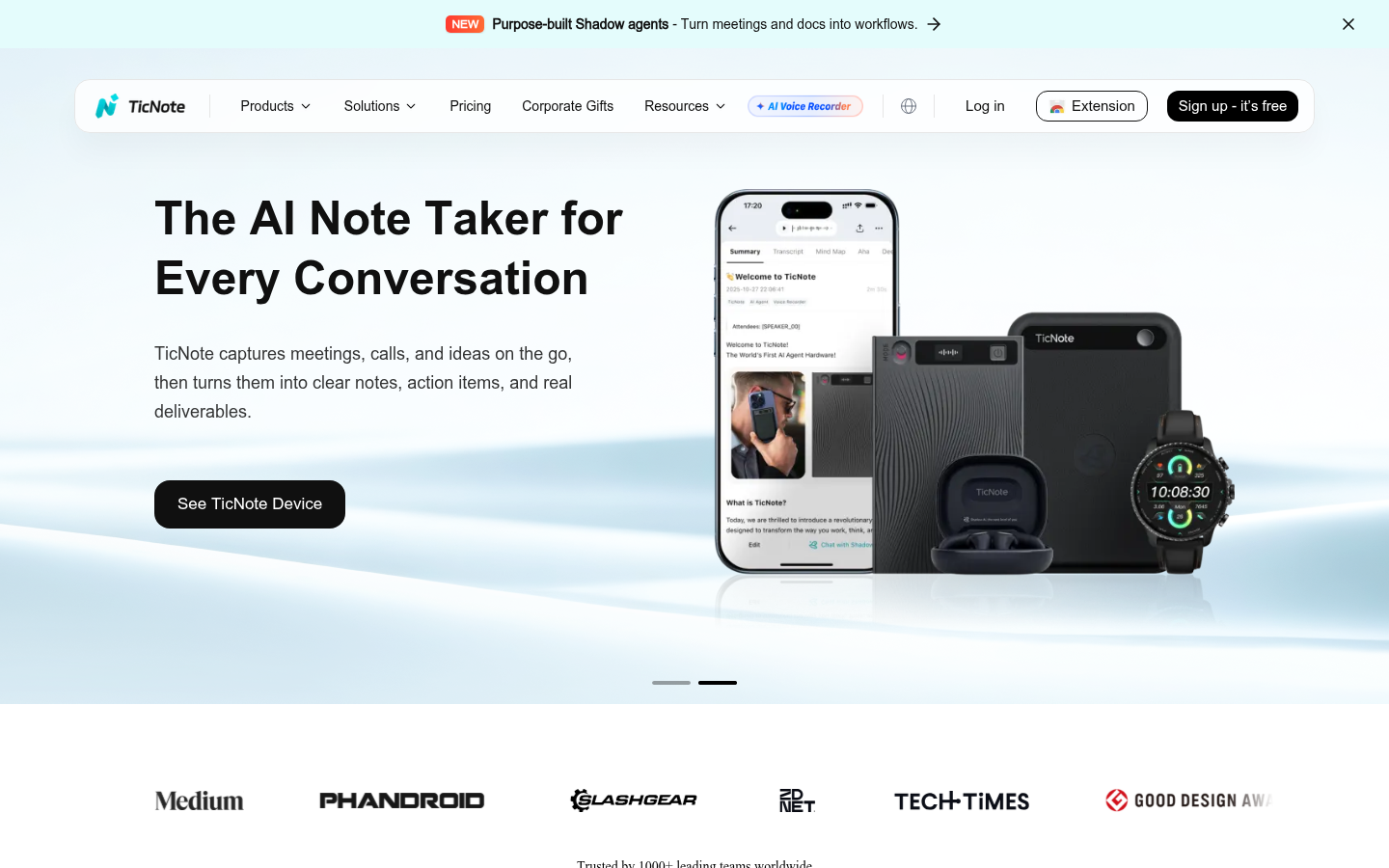
TicNote
- Shadow Agent builds reports, slides, dashboards and mind maps from sources
- No bot invited, Chrome extension handles the call
- Free tier gives 300 transcription minutes per month
- Works with hardware recorders for in-person meetings
- No CSV or Excel export in the formats it lists
- Pricing varies by plan and is less transparent than rivals
- Younger product with fewer public reviews to lean on
Not a Sheets tool, but strong if your end product is a report.
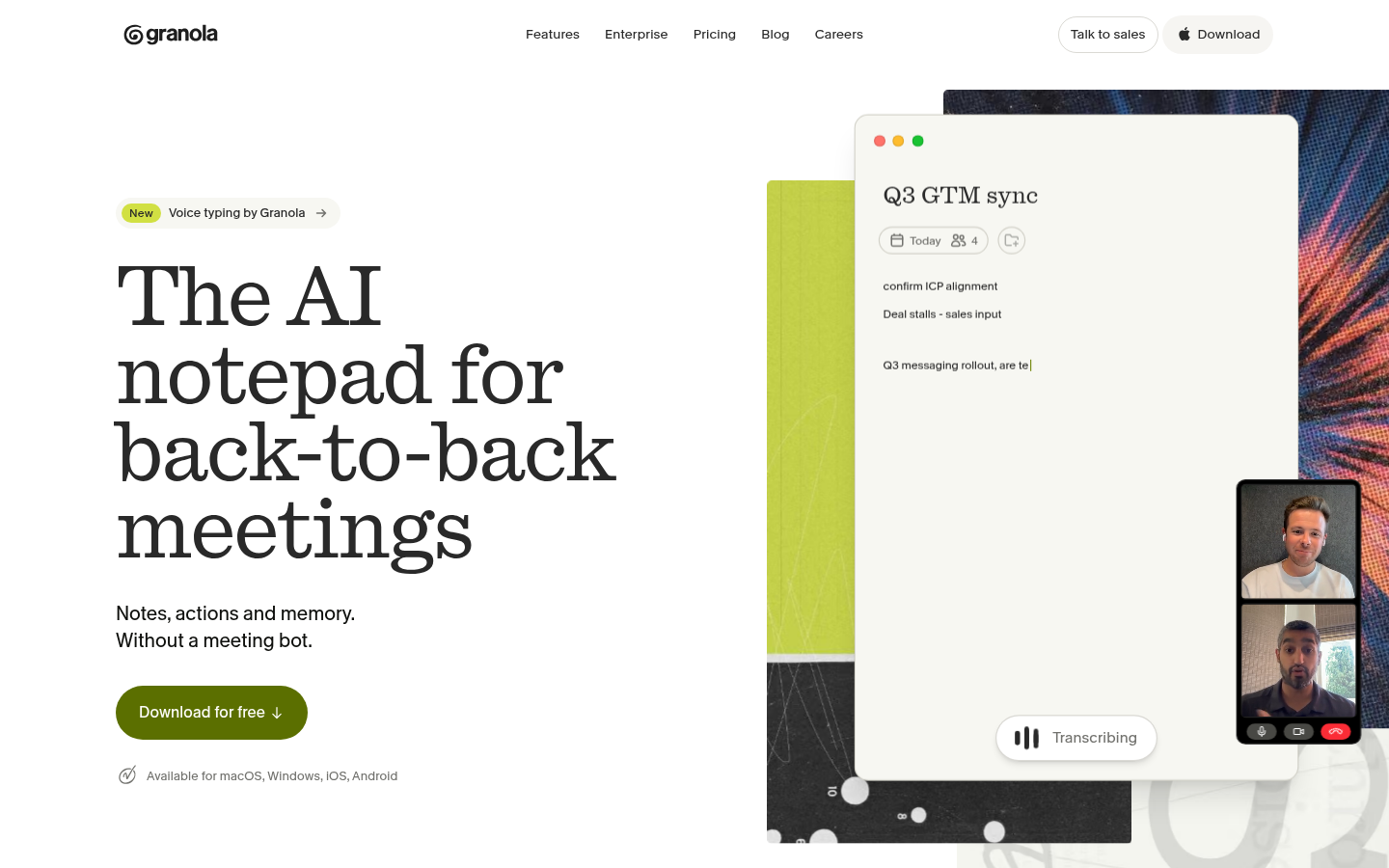
Granola
- No bot ever joins the meeting
- Merges your own typed notes with the transcript
- Zapier connects it to Google Sheets
- MCP connector feeds meeting context into Claude and Cursor
- Free plan caps meeting history at 30 days
- No call recording or video playback
- Team analytics lag far behind Fireflies
Great notes, but you route them to Sheets yourself.
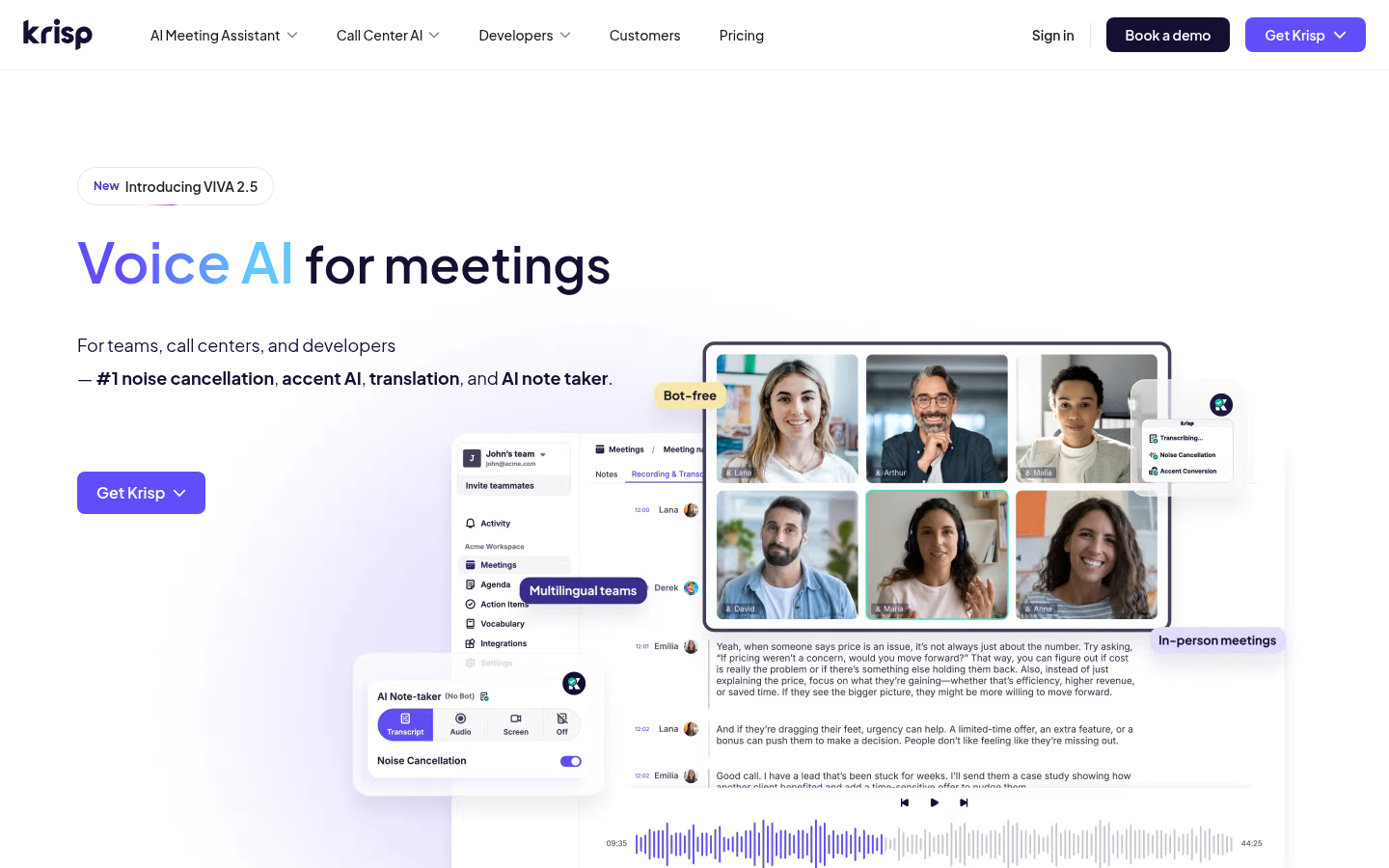
Krisp
- Noise cancellation and note taking in one app
- Works with any call app via a virtual audio device
- Zapier route to Google Sheets and Zapier Tables
- Pro starts at $8/mo on annual billing
- Heavy on CPU on older machines
- Mac and Windows only, no Linux client
- Meeting notes are a newer side of a noise-cancelling product
Pick it when the audio is the real problem.
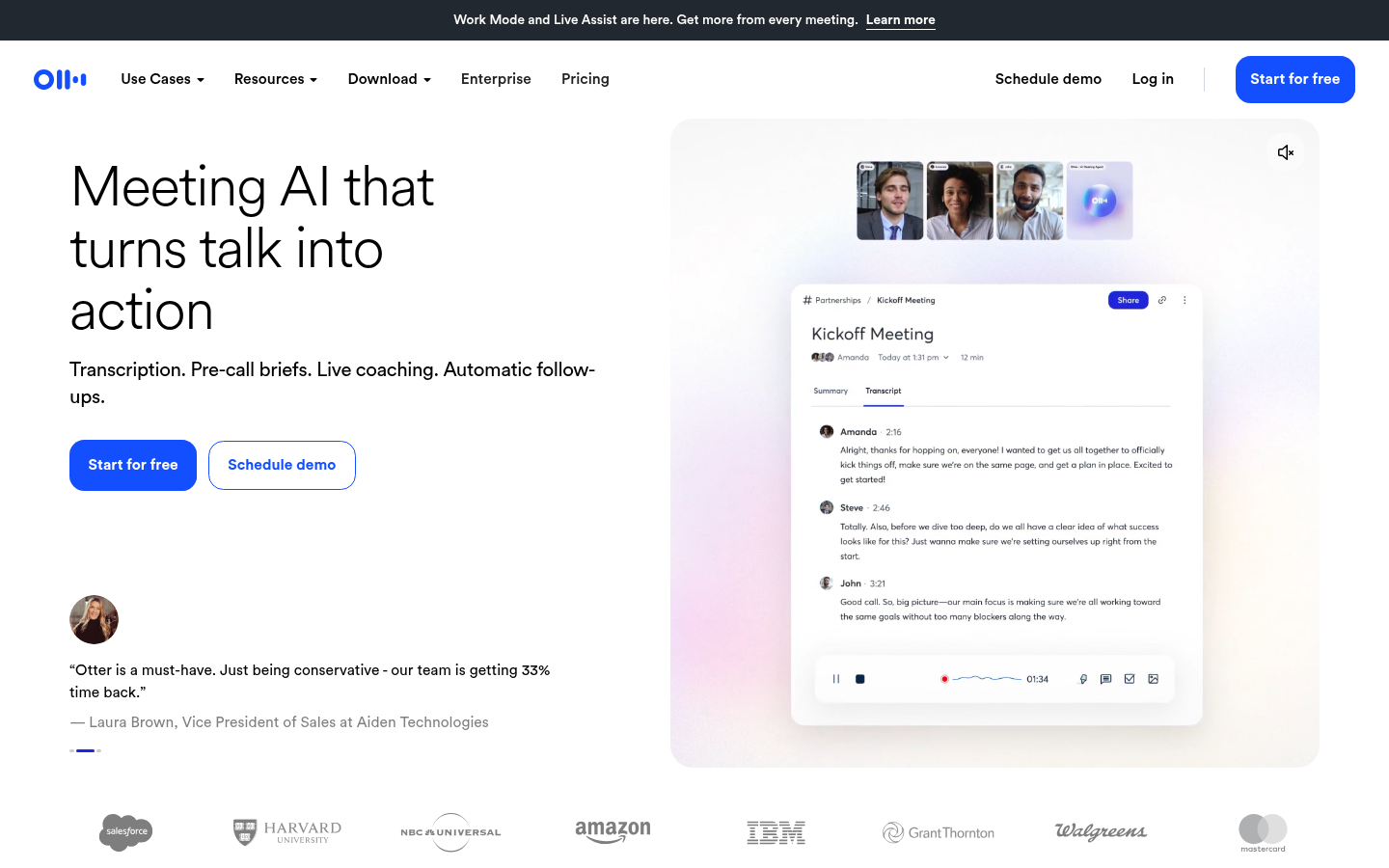
Otter.ai
- Live transcription inside Zoom, Meet and Teams
- Speaker labels with synced highlighting
- Mature iOS and Android apps
- Bulk export on Business plans
- Action items cannot be exported directly, you copy them
- Free tier caps each meeting at 30 minutes
- Basic plan exports TXT only
Solid transcripts, awkward when the goal is a spreadsheet.
Verdict
Fireflies wins for spreadsheet people because a ready Zapier template drops each meeting into a Google Sheets row. Fathom is the pick if you want free and unlimited, TicNote suits people who end with a report or deck, and Otter is the one that makes you copy action items by hand.
How we tested
This is a desk comparison, not a lab test. We did not run each tool through a month of live meetings. We checked each vendor's own pages, help center and pricing, the Zapier app directory for spreadsheet routes, and aggregated G2 ratings where a number was public, all in November 2026. The custom score (0 to 5) answers one narrow question: how easily do meeting notes and action items reach Excel or Google Sheets, with price, capture style and review signals as tie-breakers. It is not an overall quality score, so a tool with a perfect G2 rating can score lower here. Prices move often, so confirm them on the vendor page. TicNote and Krisp are affiliate partners of ours; the ranking was set by the criteria above, and the table shows the weaknesses we found for both.
Short answer: if your meeting notes end up in a spreadsheet, Fireflies is the best AI meeting assistant of the six we compared. A ready Zapier template adds a Google Sheets row for every new meeting, so the action items land where you already work. Fathom takes the free-plan crown, TicNote is the pick when the end product is a report or a deck, and Otter is the one that makes you copy action items by hand.
You ran the meeting, now you need the action items in a sheet
Most roundups judge meeting assistants on transcript accuracy and summary tone. That matters, but it is not the job a spreadsheet person has. The real job: 40 minutes of talking turns into 7 tasks, an owner, a date, and a row in the tracker.
So we ranked these tools on a narrower question. How easily does the output reach Excel or Google Sheets? Price, capture style and customer ratings act as tie-breakers. Biscuit fetches the formula, but someone still has to get the data into the cell.
The six tools at a glance
Each product card shows a best-for line plus the pros and cons we found, and the matrix compares all six on the same criteria. Here is the ranking in one list.
Fireflies: best route into Google Sheets.
Fathom: best free plan.
TicNote: best for finished reports and slides.
Granola: best bot-free notepad.
Krisp: best when background noise is the problem.
Otter.ai: best for live transcripts, weakest for spreadsheets.
Why Fireflies wins for spreadsheet people
Fireflies has a Zapier template named "Create Google Sheets rows for new Fireflies.ai meetings". You connect the two apps once, map the fields, and every new meeting becomes a row. The same pattern works for Slack and CRM updates.
Here is the kind of sheet that results. Column A holds the meeting title, B the date, C the summary, D the action items as one text block.
=SPLIT(D2, CHAR(10))Here is what that does in a real cell: SPLIT (Google Sheets only) cuts the action-items block at each line break, so each task gets its own cell across the row. text is D2 and delimiter is CHAR(10), the line break. Excel 365 has an equivalent, =TEXTSPLIT(D2, CHAR(10)). Excel 2016 does not have TEXTSPLIT, so use Text to Columns there. Good boy.
The catch is the credit system. On paid tiers, AI credits limit how many summaries you can generate each month. And a bot joins the call, which can feel heavy in a small, informal meeting.
Fathom: the free plan that does not count minutes
Fathom's free plan has no meeting cap, no seat limit and no expiry on history for individuals. That is unusual in this category, and it is why it rates 5.0 on G2 from more than 6,500 reviews, according to its own homepage.
The spreadsheet route is Zapier. A template sends each new action item into a Google Doc, and a Sheets version is a Zap you build yourself. CRM sync and AI scorecards sit on the Business tier.
TicNote: when the output is a report, not a row
TicNote works differently. Its Shadow Agent turns recordings, PDFs and videos in a project into reports, slides, dashboards and mind maps. Capture happens through a Chrome extension with no bot invited, and there are hardware recorders for in-person meetings.
For spreadsheet work, the honest limit is export. The formats it lists are TXT, DOCX, PDF, Markdown, HTML, Notion, Obsidian and Xmind. No CSV or Excel file. If you need a table, you copy it out of a generated report.
The free tier gives 300 transcription minutes a month. We include it because the deliverables angle is real, and we place it third because the Sheets route is weaker.
Granola and Krisp: no bot on the call
Granola records your computer audio and merges it with the rough notes you type. Nobody joins the meeting. Zapier lists a Granola to Google Sheets integration, and the Business plan adds Notion, Slack, HubSpot and Attio integrations plus an API. The free plan keeps only 30 days of history.
Krisp started as noise cancellation and added a bot-free note taker. Zapier connects it to Google Sheets, and action items can go to Zapier Tables. It uses a virtual audio device, so it works with any call app, though it can be heavy on older CPUs.
Otter.ai: great transcripts, awkward for tables
Otter's live transcription inside Zoom, Meet and Teams is its strength, and the mobile apps are mature. But its own help center says action items cannot be exported directly, and you copy them manually. The Basic plan exports TXT only, with DOCX, PDF and SRT on paid plans. Integrations to other platforms sit on Enterprise plans.
Otter is a fine choice if you mostly read transcripts. If you live in Sheets, it adds a copy-paste step to every meeting.
Also worth knowing
Two more tools came up often in our research and sit outside the ranking. tl;dv records and transcribes unlimited meetings for free, for one user.
Read AI covers meetings, email and chat in one assistant, with five free meetings a month.
Avoma sits closer to the sales-coaching end of the market, so we left it out of a spreadsheet-focused comparison.
How to pick in 60 seconds
You want rows in Google Sheets: Fireflies.
You want free and no minute counter: Fathom.
You end with a report or a deck: TicNote.
You hate bots on calls: Granola or Krisp.
You only read transcripts: Otter.
Whatever you choose, test the Zap or the export on a throwaway meeting first. The first run always reveals a field you forgot to map.
FAQ
What is the best AI meeting assistant for Excel and Google Sheets users?
Which AI meeting assistant has the best free plan?
Can Otter.ai export action items to a spreadsheet?
Do these tools join my meeting as a bot?
Does TicNote export to Excel or CSV?
Do I need Zapier to send meeting notes to Google Sheets?
Changelog · 1
- body_edited Body content edited